Open Source · WiFi CSI · Edge AI

RuView — AI WiFi Sensing & Human Detection System

Advanced camera-free AI sensing powered by WiFi CSI technology. Detect humans, motion and vitals through walls — using nothing but ESP32 radio nodes and edge AI.

100%
Camera-free
<5ms
Edge latency
MIT
Open source
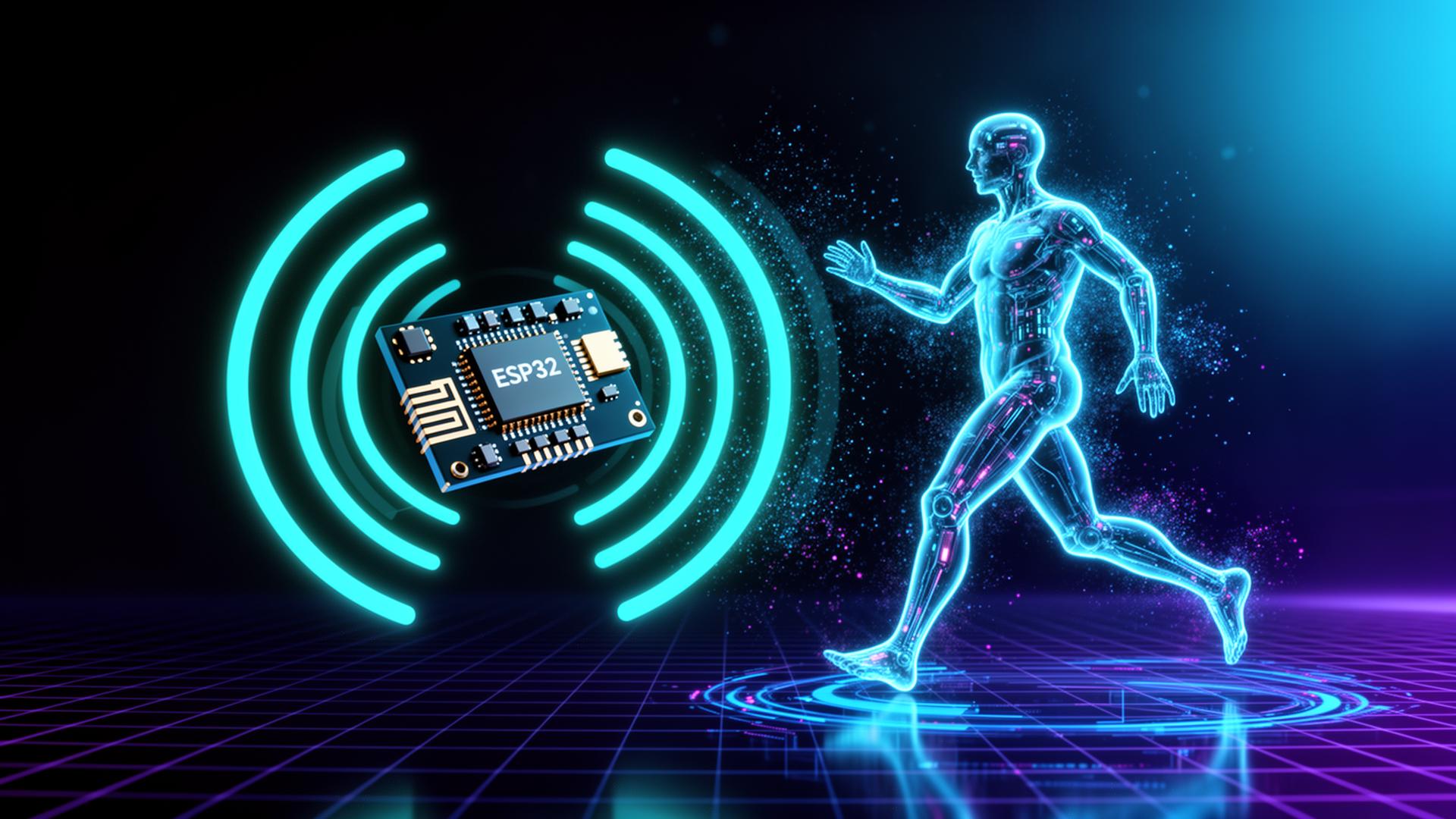
RuView AI WiFi sensing system visualizing radar waves scanning a human figure from an ESP32 node
Official Training & Setup Resources

Master RuView with Step-by-Step Guides

Get practical project blueprints, downloadable resources, step-by-step firmware flashing tutorials, and complete video training modules.

Premium Ebook Guide★ Complete Guide
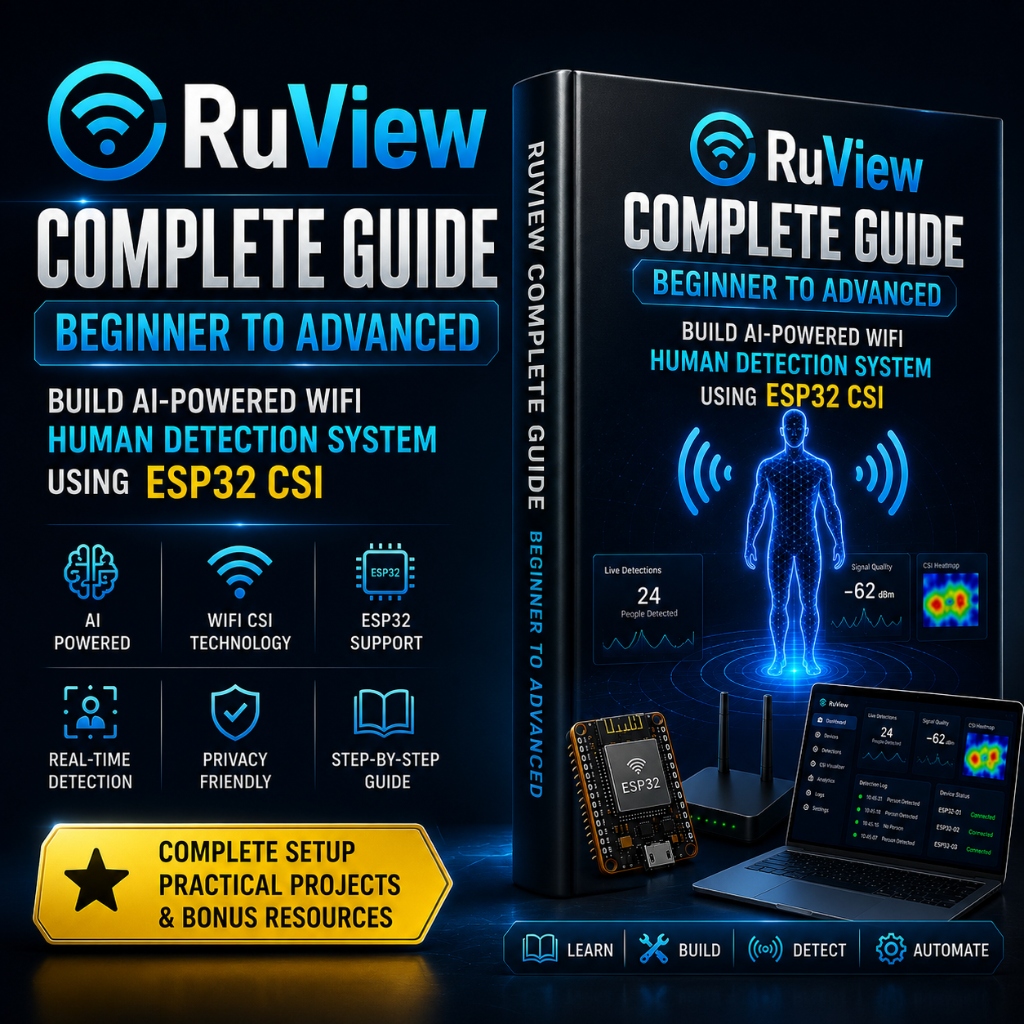
RuView Complete Setup Guide Ebook Cover showing ESP32 CSI WiFi sensing setup details

RuView Complete Setup Guide: Beginner to Advanced

Build an AI-powered WiFi human detection system using ESP32 CSI. Includes setup code, practical projects, and bonus troubleshooting resources.

Step-by-Step Code
ESP32 CSI Setup
Practical Projects
Lifetime Updates
Full HD Video Course★ Video Training
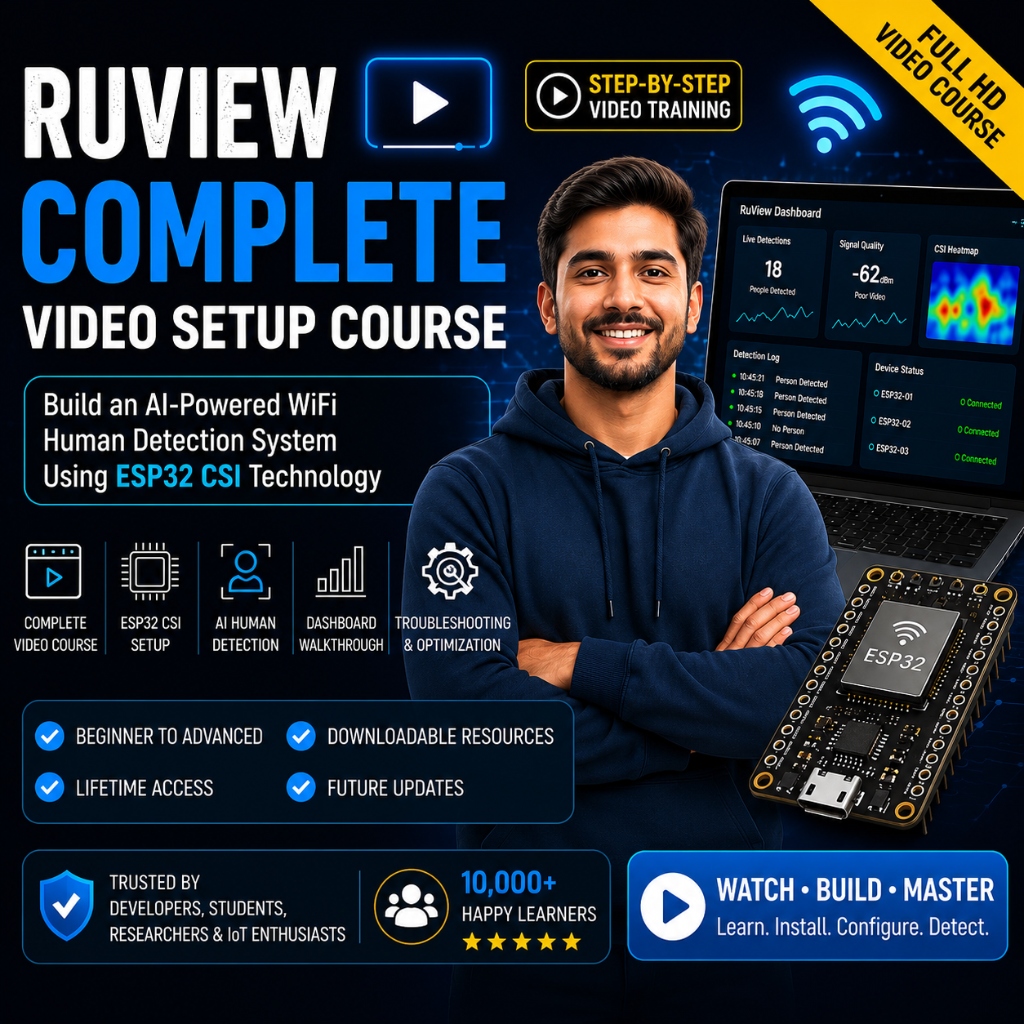
RuView Complete Video Setup Course Cover showing developer programming ESP32 CSI neural network radar dashboard

RuView Complete Video Setup Course

Comprehensive video training modules walking you through ESP32 flashing, Rust engine configuration, and live radar dashboard analytics.

Video Modules
Dashboard Tour
Troubleshooting
Download Resources
Comprehensive Knowledge Base & Deep Dive

Everything You Need to Know About RuView AI WiFi Sensing

An in-depth architectural guide to building camera-free WiFi radar systems with ESP32 microcontrollers and edge neural networks.

Table of Contents

Quick navigation index for researchers, developers & SEO search engines

12 Core Chapters
01

What is RuView?

Introduction

Imagine a world where your living space understands your presence, senses your subtle body movements, and even tracks your breathing rate through solid walls — without installing a single lens or camera. That is the revolutionary reality brought to life by RuView. RuView is an open-source, edge-native AI WiFi sensing platform designed to transform standard commercial microcontrollers into long-range spatial radar arrays.

Traditional smart home systems rely heavily on optical sensors or physical motion detectors. Optical cameras raise severe privacy concerns, while legacy Passive Infrared (PIR) sensors struggle to detect stationary humans who are simply reading or sleeping. RuView fundamentally solves both challenges by converting ambient high-frequency radio waves into detailed environmental telemetric data.

Overview

At its technical core, RuView taps into standard IEEE 802.11 WiFi transmissions. As radio signals bounce off interior walls, furniture, and human bodies, their phase and amplitude shift in tiny, predictable ways. RuView captures these high-resolution Channel State Information (CSI) subcarrier packets at microsecond intervals.

The captured raw radio signal stream is continuously fed into lightweight Rust signal engines and neural networks. These models filter out environmental RF noise, isolate Doppler frequency shifts caused by physical human motion, and output instant presence, activity, and vital sign metrics across your local network.

Main Purpose

The primary mission of RuView is to democratize high-precision spatial sensing while safeguarding absolute human privacy. RuView allows homeowners, researchers, and developers to deploy zero-camera monitoring solutions for residential security, eldercare fall detection, occupancy-aware climate control, and smart building automation.

Because all signal processing occurs strictly on your local network or hardware gateway, zero private telemetry or media is ever transmitted to remote cloud servers. You retain 100% data sovereignty while enjoying industrial-grade sensing capability built on commodity hardware.

Who Created RuView?

RuView was designed, engineered, and open-sourced by a global community of radio frequency engineers, machine learning researchers, and privacy advocates. Fueled by recent breakthroughs in ESP32 CSI firmware access and lightweight Rust signal processing, the team built RuView to provide an accessible alternative to proprietary enterprise radar systems.

Today, RuView remains strictly open source under the permissive MIT license, encouraging global research collaboration, home automation integration, and custom commercial deployments without restrictive licencing barriers.

RuView at a Glance

Below is a high-level summary of the architectural specifications and repository details behind the RuView framework.

Open SourceMIT License (100% Free & Open)
Programming LanguageRust (Engine) & TypeScript (Web Interface)
Supported PlatformESP32 (S3, C5, Classic, C3) & Linux/Win Gateway
GitHub Repositorygithub.com/ruview/ruview-ai-radar
Latest Versionv2.4.0 Stable (Multi-Node Engine)
Telemetry ProtocolWebSocket / MQTT / REST API

Key Features of RuView

AI WiFi Sensing

Utilizes 802.11 b/g/n/ax WiFi subcarriers to construct real-time 3D spatial disturbance fields without active optical emitters.

Continuously learns ambient room baseline noise to dynamically adjust detection thresholds in changing RF environments.

Human Presence Detection

Detects micro-movements, chest wall expansion during breathing, and subtle limb repositioning while a human is completely stationary.

Eliminates the "sleep false negative" common in legacy PIR sensors, ensuring room state remains occupied during sleep or work.

WiFi CSI Processing

Extracts up to 64 individual subcarriers per WiFi packet, reading phase shift ($\Delta \Phi$) and amplitude attenuation ($\Delta A$).

Processes thousands of incoming CSI packet matrices per second through high-throughput Rust FFT and PCA pipelines.

Camera-Free & Privacy-Friendly

No photos, no video feeds, and no microphones. Absolute privacy guaranteed for bedrooms, bathrooms, and confidential facilities.

Zero cloud telemetry requirements. All signal matrices remain strictly within your local encrypted network boundary.

Through-Wall Motion Detection

2.4 GHz and 5 GHz radio frequencies penetrate drywall, glass, wood doors, and interior partitions effortlessly.

Enables single-node coverage across adjacent rooms without placing physical hardware inside every room.

Multi-Node Mesh Deployment

Connect multiple ESP32 receiver nodes back to a centralized gateway engine for multi-angle spatial triangulation.

Fuses CSI telemetry from multiple angles to create detailed room occupancy heatmaps and direction-of-travel vectors.

How RuView Works: The Technical Pipeline

WiFi CSI Explained

When a WiFi router sends a data packet to your smartphone or ESP32 board, the signal does not travel in a straight beam. Instead, it spreads out like water waves, bouncing off walls, ceilings, furniture, and human tissue before arriving at the receiver antenna.

Channel State Information (CSI) is a matrix of complex numbers produced by the physical layer (PHY) of the receiver chip. It describes exactly how each individual subcarrier frequency in the WiFi channel was scattered, attenuated, and delayed during transit.

Signal Collection & CSI Processing

Custom open-source firmware flashed onto an ESP32 board intercepts these raw PHY subcarrier frames. The board streams the raw binary CSI payloads over high-speed UDP or USB serial to the RuView Rust gateway.

The Rust engine applies low-pass Butterworth filtering, phase unwrapping, and Principal Component Analysis (PCA) to extract environmental disturbance features from raw noise.

AI Inference & Motion Detection Pipeline

Denoised subcarrier feature vectors are passed into compact neural models (Convolutional 1D / LSTM networks). These models evaluate time-series doppler signatures to classify specific human activities — such as walking, sitting, falling, or breathing.

Finally, the engine broadcasts structured JSON event payloads over WebSocket and MQTT, making it instant to trigger smart home automations in Home Assistant or custom security dashboards.

Hardware Buying Guide

Supported ESP32 Hardware Boards

Get Flashing Ebook Guide

RuView runs on widely available commercial ESP32 microcontrollers. Below is the detailed hardware comparison matrix along with direct purchase links.

Board ModelWiFi FrequencyMemory (Flash / PSRAM)CSI PrecisionRecommended ForBuy Link
ESP32-S3-DevKitC-1Recommended2.4 GHz (802.11 b/g/n)32MB Flash / 16MB PSRAMExcellent (64 Subcarriers)Primary default sensing node Buy Amazon
ESP32-C5 Dual-Band5GHz Dual2.4 GHz / 5 GHz (WiFi 6)8MB Flash / 4MB PSRAMExcellent (Low Noise 5GHz)Multi-room 5GHz dense mesh Buy Amazon
ESP32 Classic (WROOM-32)2.4 GHz (802.11 b/g/n)4MB Flash / No PSRAMGood (52 Subcarriers)Budget experiments & single room Buy Amazon
ESP32-C3 (MINI-1)2.4 GHz (RISC-V)4MB Flash / No PSRAMLimited (52 Subcarriers)Compact low-cost edge-of-spec Buy Amazon

System Requirements

Operating System

Windows 10/11 (64-bit), Ubuntu 20.04+, Debian 11+, macOS Sonoma+, or Raspberry Pi OS (64-bit).

Docker & Containerization

Supports zero-dependency Docker deployments using the official `ruview/gateway:latest` container.

Rust & Python Stack

Rust toolchain (1.75+) for high-speed signal processing; Python 3.10+ for model training scripts.

Step-by-Step Installation Process

  1. 1
    Clone the Official RepositoryExecute git clone https://github.com/ruview/ruview-ai-radar.git to pull the latest engine firmware.
  2. 2
    Install Core DependenciesInstall the Rust toolchain (cargo) along with USB serial drivers (CP2102/CH340) for your host platform.
  3. 3
    Flash ESP32 CSI FirmwareConnect your ESP32 board over USB-C and flash the pre-compiled CSI capture firmware using esptool.
  4. 4
    Launch Gateway & DashboardRun cargo run --release or launch via Docker to access the web dashboard at http://localhost:5173.

RuView vs Alternative Sensing Technologies

RuView vs Traditional Optical Cameras

FeatureRuView WiFi SensingOptical Security Cameras
Privacy Safety100% Lensless & Privacy SafeHigh visual privacy intrusion risk
Through-Wall PenetrationYes (Works through drywall/wood)No (Blocked by solid obstacles)
Darkness / Night Performance100% Unaffected by light levelsRequires IR emitters or bright light
Bandwidth Usage<50 kB/s (Tiny telemetry payload)High (Multiple Mbps video streams)

RuView vs ESPresense (BLE)

ESPresense requires humans to carry active Bluetooth beacons or smartphones. RuView senses human tissue directly via WiFi CSI without carrying any devices or wearables.

RuView vs mmWave Radar

mmWave radar modules (e.g., LD2410) have narrow field-of-view cones and require line-of-sight. RuView covers whole multi-room spaces through walls using standard WiFi hardware.

RuView vs PIR Motion Sensors

PIR sensors only trigger on rapid thermal motion and freeze when you sit still. RuView tracks subtle respiratory chest motions to maintain continuous presence.

RuView vs UWB Tracking

Ultra-Wideband (UWB) chips are expensive and proprietary. RuView relies on ubiquitous $3–$8 commodity ESP32 microcontrollers.

RuView Advantages

  • Zero ongoing subscription or cloud software fees.
  • Runs on low-cost commodity ESP32 hardware boards.
  • 100% camera-free, guaranteeing complete personal privacy.
  • Senses through interior walls and furniture partitions.
  • Integrates seamlessly into Home Assistant via MQTT.

Known Limitations

  • Requires basic familiarity with flashing ESP32 microcontrollers.
  • Large pets (e.g. heavy dogs) may trigger presence events.
  • Dense reinforced concrete walls reduce 5GHz penetration depth.
  • Requires stable 2.4/5GHz local WiFi environment.
Recommended Hardware Accessories

Best Accessories for RuView Setup

ESP32-S3 Board

Primary dual USB-C sensing node with 16MB PSRAM.

Buy on Amazon
ESP32-C5 Dual-Band

5GHz WiFi 6 CSI board for dense RF environments.

Buy on Amazon
High-Speed USB-C Data Cable

Ensures stable serial UART telemetry throughput.

Buy on Amazon
External Gain Antennas

Increases CSI subcarrier signal-to-noise ratio.

Buy on Amazon
RuView GitHub Repository

Built in the Open on GitHub

RuView is fully open-source. Browse the Rust engine, ESP32 firmware, AI model definitions, and example dashboards on GitHub.

Open RuView on GitHub
WiFi Sensing Research

Grounded in Research, Ready for Production

WiFi Sensing Research

Decades of academic work on CSI, multipath fading and human RF signatures inform RuView's pipeline.

AI Radar Technology

Combines classic radar techniques (Doppler, MUSIC) with modern neural models for robust detection.

ESP32 CSI Development

First-class support for ESP32-S3 and ESP32-C5 CSI workflows, plus reference dashboards.

FAQ Knowledge Base

Frequently Asked Questions

Clear answers to common questions about RuView, WiFi CSI sensing, and privacy-first radar setups.

Explore RuView Guides & Resources

Latest articles

From the RuView blog

SpaceX Bought Cursor for $60 Billion — Should Developers Be Worried?
AI News

SpaceX Bought Cursor for $60 Billion — Should Developers Be Worried?

SpaceX acquired Anysphere (Cursor's parent company) in June 2026, and almost overnight Cursor's market share dropped from 41% to 26%. What does this mean for the millions of developers who've made Cursor their daily driver?

8 min
Hermes Agent: The Self-Improving AI Agent That Gets Better Every Time You Use It
AI Agents

Hermes Agent: The Self-Improving AI Agent That Gets Better Every Time You Use It

Most AI agents forget everything the moment you close the session. Hermes Agent is different — it permanently learns from every action it takes, building a skill memory that makes it smarter the more you use it. Here's how it works and why it matters.

9 min
I Tried OpenCode — The Open-Source Coding Agent With 160K Stars — Honest First Impression
AI Tools

I Tried OpenCode — The Open-Source Coding Agent With 160K Stars — Honest First Impression

OpenCode is the open-source coding agent that's taken GitHub by storm with 160K+ stars and 7.5 million monthly active developers. I spent a week with it. Here's the unfiltered truth: what it gets right, what it doesn't, and who it's actually for.

9 min
Promptfoo Setup Guide: How I Started Testing My AI App Like Real Software
AI Tools

Promptfoo Setup Guide: How I Started Testing My AI App Like Real Software

I used to test my AI apps by... vibing. Running prompts manually, eyeballing outputs, hoping nothing broke. Then I found Promptfoo. Now my AI app has CI checks, automated regression tests, and security red-team scans. Here's how to set it all up.

11 min
Kokoro TTS: I Generated High-Quality Voice Audio Locally in Python — Zero API Cost
AI Tools

Kokoro TTS: I Generated High-Quality Voice Audio Locally in Python — Zero API Cost

ElevenLabs charges by the character. OpenAI TTS has a monthly cap. Kokoro-82M runs entirely on your machine, produces surprisingly natural-sounding audio, and costs exactly nothing. Here's how to set it up in Python in under 10 minutes.

8 min
Lightpanda: The Headless Browser Built Specifically for AI Agents — Setup Guide
AI Agents

Lightpanda: The Headless Browser Built Specifically for AI Agents — Setup Guide

Playwright and Puppeteer were built for human-written test scripts. Lightpanda was built for AI agents. It's faster, leaner, and designed around the exact interaction patterns that autonomous agents use. Here's what makes it different and how to get started.

9 min
smolagents: The Hugging Face Agent Framework That Has Almost Zero Setup
AI Agents

smolagents: The Hugging Face Agent Framework That Has Almost Zero Setup

LangChain makes you read 200 pages of docs before writing a useful line of code. smolagents from Hugging Face lets agents write and execute Python directly — no JSON schemas, no graph nodes, no DSL. Build a real AI agent in 15 minutes flat.

10 min
CrewAI in 2026: I Built a Content Pipeline With 3 AI Agents Working Together
AI Agents

CrewAI in 2026: I Built a Content Pipeline With 3 AI Agents Working Together

CrewAI now has 44K+ stars and 5.2 million monthly downloads. The January 2026 update finally fixed streaming — the biggest complaint from production teams. I built a real 3-agent content pipeline with a Researcher, Writer, and Editor. Here's the full walkthrough.

12 min
How to Fine-Tune Your Own AI Model Using Unsloth (Fast + Free)
AI Tools

How to Fine-Tune Your Own AI Model Using Unsloth (Fast + Free)

Prompt engineering can only get you so far. If you want an AI to truly understand your company's coding style or tone of voice, you need to fine-tune it. Unsloth is a library that makes fine-tuning 2x faster and uses 70% less VRAM.

11 min
What is Agentic AI? A Simple Explanation for Developers Who Are Confused
AI Tools

What is Agentic AI? A Simple Explanation for Developers Who Are Confused

The term 'Agentic AI' is being thrown around by every tech CEO and marketing department right now. But what does it actually mean at a code level? Here is the hype-free explanation.

8 min
Aider: The AI Coding Tool That Works Directly With Git — Every Edit Becomes a Commit
AI Tools

Aider: The AI Coding Tool That Works Directly With Git — Every Edit Becomes a Commit

Aider is an AI pair programmer that lives in your terminal and speaks Git natively. Every AI edit becomes an atomic commit with a sensible message. It supports 100+ languages, works on your full codebase, and is perfect for legacy code refactoring. Here's why Git-native AI coding is the right model.

10 min
How I Cloned My Own Voice in 60 Seconds Using GPT-SoVITS (Open-Source)
AI Tools

How I Cloned My Own Voice in 60 Seconds Using GPT-SoVITS (Open-Source)

ElevenLabs is the industry standard for AI voices, but it's expensive. GPT-SoVITS is an open-source project that can clone your voice with terrifying accuracy using just one minute of audio. Here is how I set it up.

8 min
Bumblebee by Perplexity: How to Scan Your npm Packages for Malicious Code
Security

Bumblebee by Perplexity: How to Scan Your npm Packages for Malicious Code

The npm registry is a minefield of supply chain attacks. Perplexity AI recently launched Bumblebee, a free tool that uses LLMs to scan your node_modules for malicious obfuscated code. Here is why you need it.

7 min
LangGraph vs CrewAI vs smolagents: Which AI Agent Framework Should You Actually Learn?
AI Agents

LangGraph vs CrewAI vs smolagents: Which AI Agent Framework Should You Actually Learn?

Three frameworks dominate AI agent development in 2026: LangGraph, CrewAI, and smolagents. They're wildly different in philosophy, complexity, and production readiness. Here's an honest, developer-first comparison of all three — so you invest your learning time in the right one.

13 min
I Built a Private Knowledge Base for My Team Using Dify — Full Setup Guide
AI Tools

I Built a Private Knowledge Base for My Team Using Dify — Full Setup Guide

Stop answering the same onboarding questions on Slack. Dify is an incredible open-source platform that lets you build intelligent enterprise chatbots over your company data without writing a single line of code.

11 min
FAQs

Common Questions About RuView

Everything you need to know about WiFi CSI sensing, ESP32 radar, and privacy-first human detection.

What is RuView?

RuView is an open-source AI WiFi sensing and human detection system that transforms commodity ESP32 microcontrollers into camera-free radar nodes. It uses WiFi Channel State Information (CSI) and edge neural networks to detect human presence, motion, breathing rate, and heartbeat — all without cameras or microphones.

How does RuView detect humans without cameras?

RuView intercepts WiFi Channel State Information (CSI) subcarrier packets from ESP32 hardware. As WiFi radio signals reflect off human tissue, they produce tiny phase and amplitude shifts. RuView's Rust engine processes these shifts in real time using PCA, Butterworth filtering, and neural inference to detect presence, motion, and vitals without any optical lens.

Which ESP32 boards are compatible with RuView?

RuView officially supports the ESP32-S3 (recommended — best CSI precision with 16MB PSRAM), ESP32-C5 (dual-band 2.4/5GHz WiFi 6), ESP32 Classic (WROOM-32), and ESP32-C3. The ESP32-S3-DevKitC-1-N32R16V is the recommended starting board for new users.

Can RuView detect breathing and heartbeat through walls?

Yes. Under stable RF conditions, RuView captures micro-Doppler frequency shifts in CSI subcarriers caused by chest wall expansion during breathing. 2.4 GHz and 5 GHz WiFi signals penetrate standard drywall and wood partitions, enabling through-wall vital sign detection.

Does RuView send data to the cloud?

No. All signal processing and AI inference in RuView runs 100% on your local gateway machine or edge device. No video, audio, or sensor data is transmitted to cloud servers. RuView outputs structured JSON events (e.g., 'person detected', 'breathing rate: 14 bpm') locally over WebSocket or MQTT.

Is RuView free to use for commercial projects?

Yes. RuView is published under the permissive MIT License, which allows unlimited use, modification, and commercial deployment without royalties or restrictions. You can access the full source code, ESP32 firmware, and Rust engine on GitHub.

How do I get started setting up RuView?

Clone the RuView repository from GitHub, install the Rust toolchain, flash the CSI firmware to your ESP32-S3 board using esptool, then run the Rust gateway. Full instructions are in the official RuView Complete Setup Ebook Guide and the Step-by-Step Video Course available on Gumroad.

Does RuView work with Home Assistant?

Yes. RuView broadcasts standard MQTT JSON topics that auto-discover in Home Assistant. You can trigger automations such as adjusting lights, HVAC, or security systems based on RuView presence and motion events — completely locally and privately.

Start building with RuView

Clone the repository, flash an ESP32 and see your first WiFi human-detection events stream in minutes.