I Ran an AI Model on My Laptop Without Paying a Single Dollar — Here's How
Tired of paying for ChatGPT subscriptions? I discovered Ollama — a tool that lets you run powerful LLMs like Llama 3, Mistral, and Gemma completely free, right on your own machine. Here's the honest story of how I set it up.
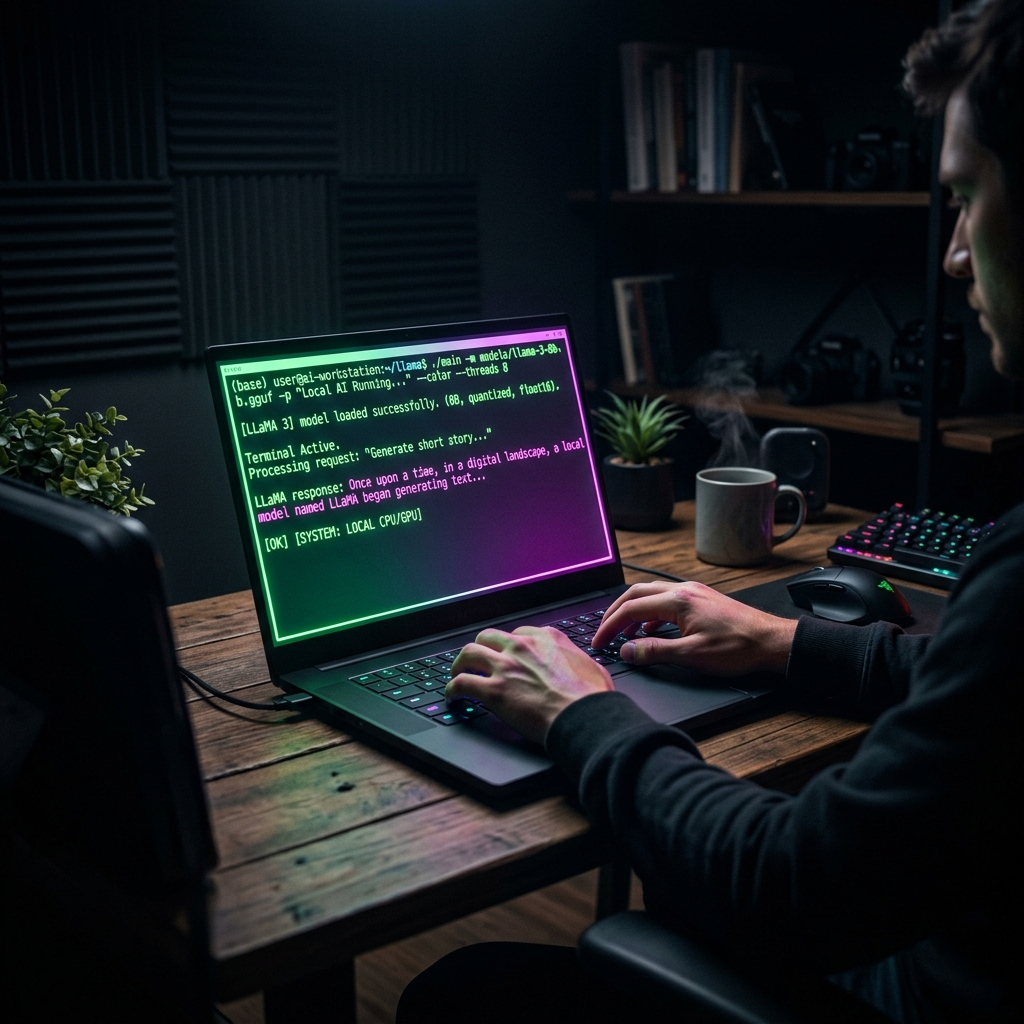
The Moment I Got Fed Up With Subscriptions
It was a Tuesday evening. I was debugging a tricky async issue in my Node.js backend, and I needed to bounce ideas off an AI. I opened ChatGPT, typed my question — and got the dreaded "You've reached your limit. Upgrade to ChatGPT Plus for $20/month."
Twenty dollars a month. For a developer who just needs a smart rubber duck during crunch time. I closed the tab and started Googling. That's when I stumbled into a Reddit thread titled: "Just switched to Ollama and haven't looked back." I had no idea what I was about to fall into.
Two hours later, I had a fully functional Llama 3 model running on my laptop, answering my questions instantly, with zero latency, zero cost, and zero data leaving my machine. Here's exactly what I did.
What is Ollama, Actually?
Ollama is an open-source tool that makes it dead simple to download and run large language models (LLMs) locally on your machine. Think of it like Docker — but instead of containers, you're pulling AI models. You run one command, and the model is ready. No cloud. No API keys. No monthly bills.
It handles all the complicated stuff: model quantization (compressing models to fit on consumer hardware), GPU acceleration via CUDA or Metal (on Mac), and even a local REST API endpoint that mimics the OpenAI API format — meaning your existing tools can point to it.
It supports models like Llama 3, Mistral, Gemma 2, Phi-3, Code Llama, Qwen, and dozens more. You can find the full list at ollama.com/library. The community updates it constantly with new models.
Step 1: Installing Ollama (Takes About 60 Seconds)
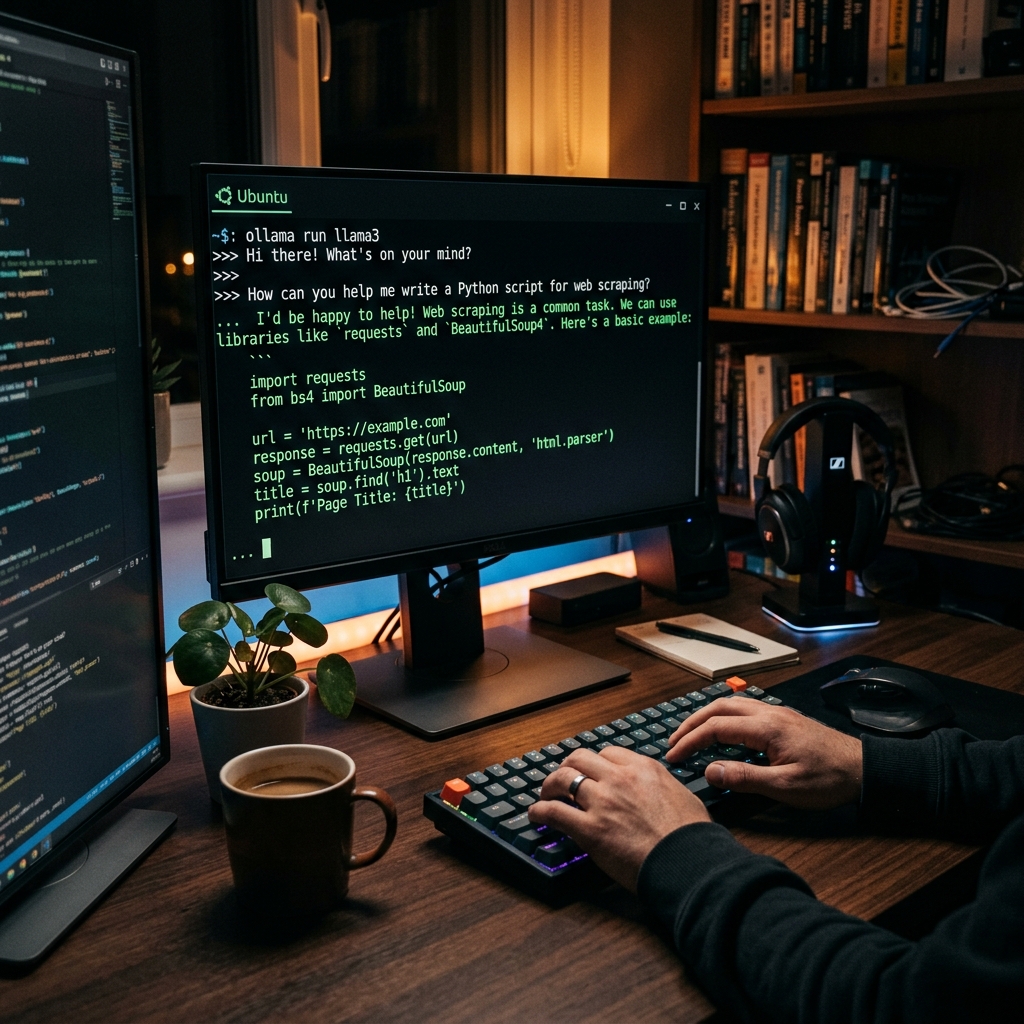
Head to ollama.com and download the installer for your OS. They have native installers for Mac, Windows, and Linux. On Linux, you can use the one-liner:
curl -fsSL https://ollama.com/install.sh | shOn Windows, just run the downloaded .exe. On Mac, drag it to your Applications folder. It runs as a background service automatically after installation.
That's it. Ollama is now running on your machine at http://localhost:11434.
Step 2: Pulling Your First Model
Open your terminal and run:
ollama run llama3Ollama will download the Llama 3 8B model (about 4.7 GB) and drop you straight into an interactive chat. Type your question and hit Enter. The response streams in real time, right in your terminal.
If you want a smaller, faster model (great for weaker hardware), try ollama run phi3:mini — it's under 2 GB and surprisingly capable for coding tasks. For pure coding assistance, ollama run codellama is the gold standard.
To list all models you've downloaded: ollama list. To delete one: ollama rm llama3.
Step 3: Using Ollama With a Proper UI (Not Just Terminal)

Typing in a terminal is fine, but honestly it gets old fast. The good news? Because Ollama exposes a local API, dozens of beautiful web UIs work with it out of the box.
My personal favorite is Open WebUI. It's a slick, ChatGPT-like interface that runs locally via Docker. Pull it with:
docker run -d -p 3000:8080 \
  --add-host=host.docker.internal:host-gateway \
  -v open-webui:/app/backend/data \
  ghcr.io/open-webui/open-webui:main
Open http://localhost:3000 in your browser. You'll see a familiar chat interface. Select your downloaded model from the dropdown, and you're off. It even supports multi-modal models, document uploads, and persistent conversation history.
Hardware Requirements: What Do You Actually Need?
This is the question everyone asks, and the honest answer is: less than you think. Here's a rough guide:
- 8 GB RAM — Can run Phi-3 mini, Gemma 2B, Llama 3.2 3B. Perfect for quick tasks and coding help.
- 16 GB RAM — Can run Llama 3 8B, Mistral 7B, Qwen2 7B. This is the sweet spot for most developers.
- 32 GB RAM — Can run Llama 3 70B (quantized), Mixtral 8x7B. Very capable, near GPT-3.5 level.
- GPU (Optional but great) — An NVIDIA GPU with 8+ GB VRAM accelerates responses massively. Ollama auto-detects CUDA and uses it.
I was running a Llama 3 8B on a 2020 MacBook Pro with 16 GB RAM — no GPU. It was slower than the API (~3 tokens/sec vs 50+), but for non-real-time tasks it was completely workable. And did I mention it was free?
Six Months Later: My Honest Verdict
I cancelled my ChatGPT Plus subscription. For everyday development tasks — writing regex, explaining error messages, drafting README files, generating boilerplate — local models do the job. The quality gap has nearly closed for these use cases.
Where cloud models still win: frontier tasks like complex multi-step reasoning, cutting-edge code generation, and image understanding. For those, I still occasionally use Claude or the free tier of ChatGPT. But for the 80% of daily usage? Ollama handles it completely.
The real bonus I didn't expect: speed. With a model cached in RAM, responses start in milliseconds. No network latency. No rate limits. No "Our systems are experiencing high demand" at 2pm. My private data stays on my machine, always.
If you're a developer who pays monthly for AI subscriptions, I'd strongly encourage you to spend one afternoon trying this. The worst case is you spend zero dollars and learn something new.
FAQ
Does Ollama work on Windows?
Yes, Ollama has a native Windows installer and works great. It supports NVIDIA GPU acceleration on Windows via CUDA as well.
Is Ollama free to use?
Completely free and open source. You pay nothing for the software. The models themselves are also free and open-weight. Your only cost is the electricity to run your computer.
How good are local models compared to ChatGPT?
For coding assistance and everyday tasks, modern 7-8B models are surprisingly capable — often on par with GPT-3.5. For complex reasoning or the latest frontier tasks, GPT-4 class models still have an edge, but the gap is closing rapidly.
Can I use Ollama with VS Code?
Yes! Extensions like Continue.dev and CodeGPT can connect to your local Ollama instance and provide inline code suggestions directly inside VS Code.
Explore RuView on GitHub
Browse the Rust engine, ESP32 firmware and examples.